

Booking
Keep my day together
Online booking that stops scattering your calendar
Thirty days for $1, then SpaSphere Pro is $139 a month with four team members included.
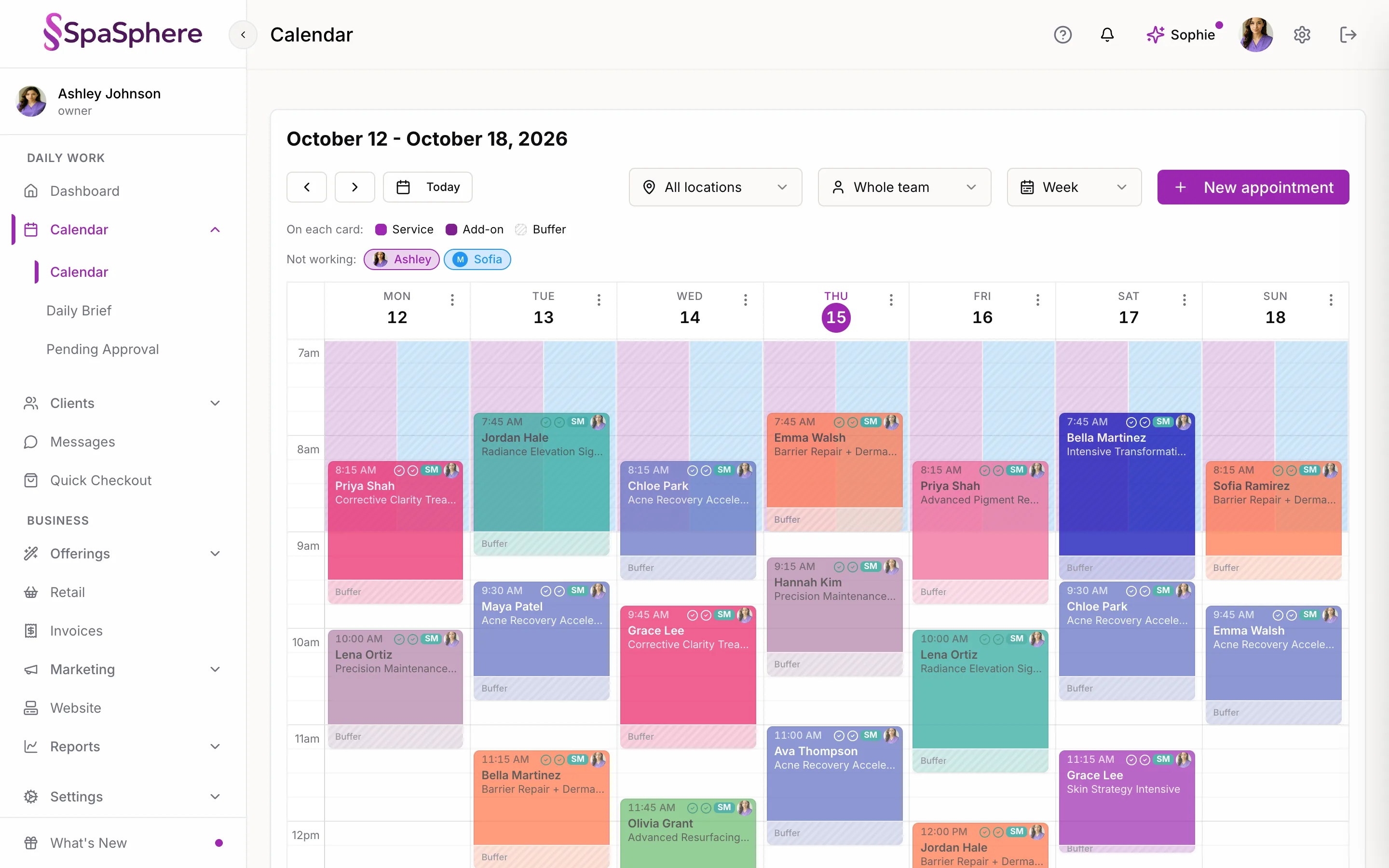
A 9am, then nothing until 1pm, then a 4pm. Three clients, a nine-hour day, and four hours you can't do anything useful with. It happens when every open time is equally easy to book, so whoever books first decides what your day looks like. Smart Availability scores each open time by how well it fits next to appointments you already have, and can offer just the times around them, with every other time one click away. New bookings land against the ones you've got. Same hours, same clients, a day that finishes when it should.
Why You'll Love It
Every Time Is Scored for Fit
SpaSphere scores every open time by how much of your day it would waste and how much usable space it would leave behind. The best fits are the ones that tuck in next to appointments you already have.
Nothing Legitimate Disappears
Every time you are genuinely available stays bookable, listed in clock order, so a client who needs an awkward hour can still take it.
Or Show a Window Instead
Prefer to keep it tight? Offer only the times within a set window either side of an appointment you already have. Clients who need something else can still open the full list.
Empty Days Stay Wide Open
A day with nothing on it has nothing to group around, so the rule steps aside and clients see every available time. No first booking of the day gets quietly buried.
Your Interval, Your Window
The window is measured in your own booking interval, so a spa running fifteen-minute slots and one running an hour each get a window that means something on their calendar.
One Choice, Business-Wide
It is one setting with one question behind it: how should clients see my open times? Pick it once in Settings and every booking page follows it.
How It Works
Open Booking Availability
In the SpaSphere admin, go to Settings and open Appointments. The Booking availability section sits under your booking interval.
Choose Keep My Day Together
Three options, one at a time: show times in order, keep my day together, or make me look busy. Choose the second to turn Smart Availability on.
Decide What Clients See
Either every available time, or only a window either side of an appointment you already have, with the rest one click away. Times are always listed in clock order.
Save and Book
Your booking page follows the new order straight away. Your own calendar is untouched - you can still book any time yourself.
Get your afternoons back
Smart Availability is included in your SpaSphere plan. Try it for $1 for your first 30 days.
✓ Cancel anytime · ✓ We move your data in 48 hours · ✓ No commitment