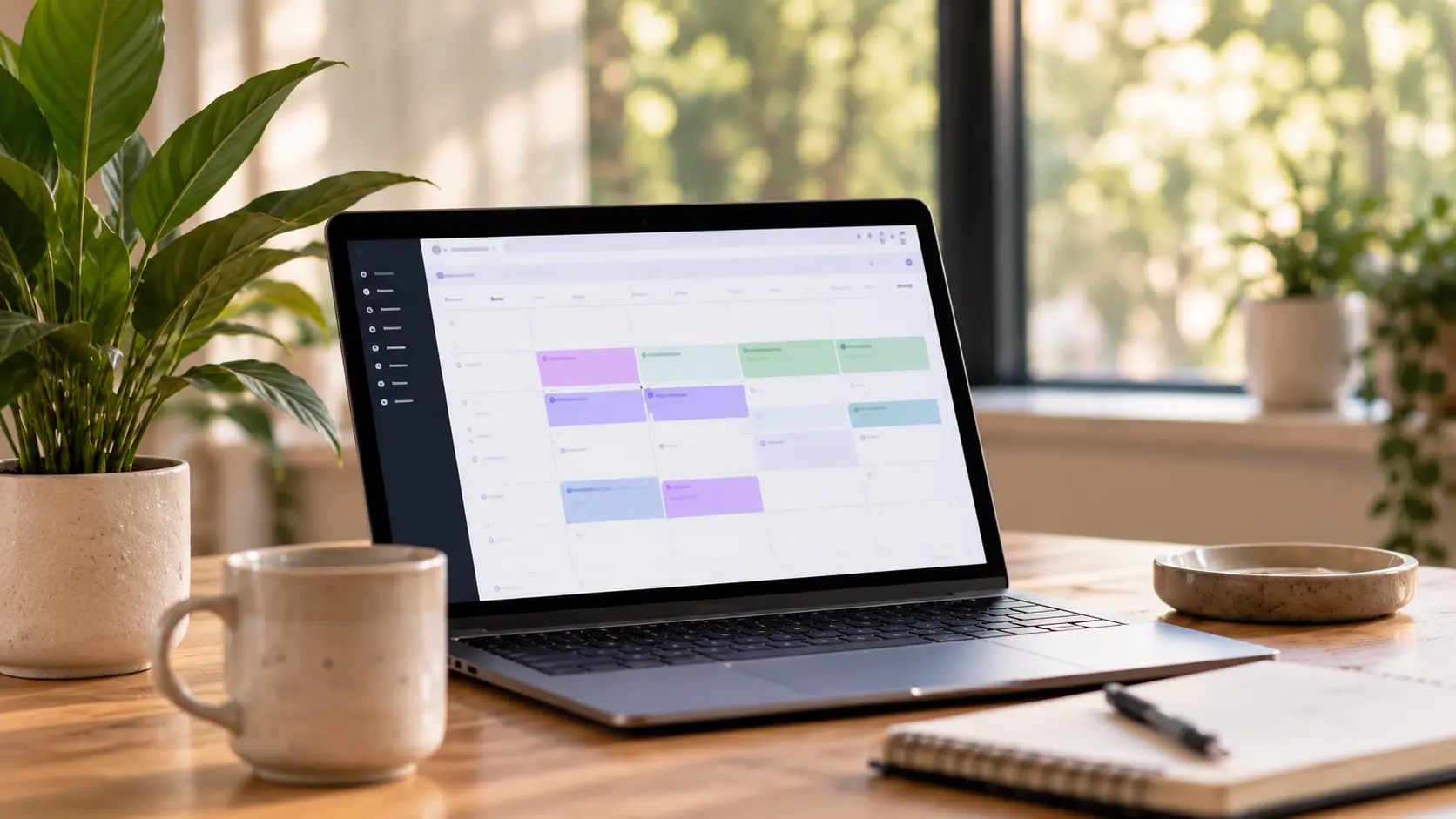
A laptop showing a week of appointments on a studio desk beside a mug and notebook

AI workflows

Run your spa from ChatGPT or Claude

Connect SpaSphere, pick a workflow, and your assistant refreshes your website, writes your blog and drafts your newsletter. Nothing goes live until you say so.

Browse the workflows Start for $1

Works with ChatGPT. Works with Claude.

How it works

As easy as copy and paste

  1. 01

    Connect SpaSphere once

    Add SpaSphere to ChatGPT or Claude and sign in with your SpaSphere account. You only do this once.

  2. 02

    Pick a workflow

    Click Open in ChatGPT or Open in Claude. The prompt is ready, so there is nothing to write.

  3. 03

    Look, then say yes

    Your assistant saves its work as a draft and sends you a preview link. It goes live only when you say so.

The library

68 workflows, ready to open

Your website, blog, newsletters and search listing, in plain words. Fill in a detail if a card asks for one, then open it in your assistant.

A website, a blog post, a newsletter and a check-up, to begin with.

  • Website & branding

    Give my website a complete makeover

    Refresh my website without learning the builder

  • Website & branding

    Create a booking-first homepage

    Turn more visitors into appointments

  • Blog & education

    Write a blog from my real services

    Helpful content tied to bookings

  • Newsletters & campaigns

    Create my first newsletter

    From blank page to branded email

  • Launch & cross-channel

    Launch a treatment across my channels

    One idea, website + blog + email

  • SEO & local discovery

    Improve my local SEO

    Be easier to find in my area

  • Audits & business clarity

    Audit my service menu

    Spot confusion in my catalog

  • Newsletters & campaigns

    Review my newsletter before sending

    Catch blockers and mistakes

You stay in control

Your assistant does the work. You make the call.

Drafts first, always

Website changes, blog posts and newsletters start as drafts with a preview. Publishing and sending wait for your yes.

Your clients stay private

Your assistant sees how many people a newsletter will reach, never who they are. No client records, no payments.

Every change can be undone

Each version of your website is kept. Ask your assistant to bring back an earlier one, or do it in SpaSphere.

Questions

No. Each workflow is a ready-made request. Click Open in ChatGPT or Open in Claude, add a detail if the card asks for one, and send it. Your assistant asks you anything else it needs.

ChatGPT and Claude. Connect SpaSphere to the one you already use, or both. The workflows are the same in each.

It saves drafts and shows you a preview first. Publishing your website or blog, or sending a newsletter, happens only after you tell it to, and a newsletter still has to pass SpaSphere's sending checklist.

Your business profile, services, website, blog and newsletters. It never sees client names, appointments, invoices or payments, and it can't charge or refund anyone.

Every Open button also copies the prompt. If the message box is empty when your assistant opens, paste it and send.